
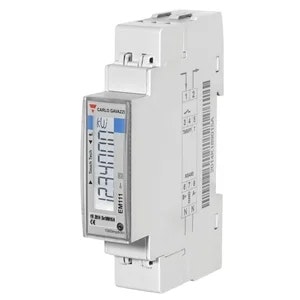
Carlo Gavazzi EM111 Energiezähler

Unterstützte Geräte
| Device Type | Modbus TCP (Ethernet) | RS485 |
|---|---|---|
| Carlo Gavazzi EM111 | ❌ | ✅ |
Verkabelung
RS485
Info
RS485 Wiring
- For correct RS485 wiring: Follow the guidelines for RS485 wiring.
- If the wiring shown in the table below is incorrect, please let us know.
- There is no general consensus in the industry about the usage of A and B for the RS485 polarity, so it may be counterintuitive and opposite of what you might expect for some devices.
| Device | a-TroniX Controller model OM1 | a-TroniX Controller model IG8 | RS485-USB converter | RS485-Ethernet converter |
|---|---|---|---|---|
| Terminal 8 / A- | RS485 A | RS485_POS | RS485 A | TX+ |
| Terminal 6 / B+ | RS485 B | RS485_NEG | RS485 B | TX- |
| N/A | RS GND | GND | Not available | G |
Konfiguration
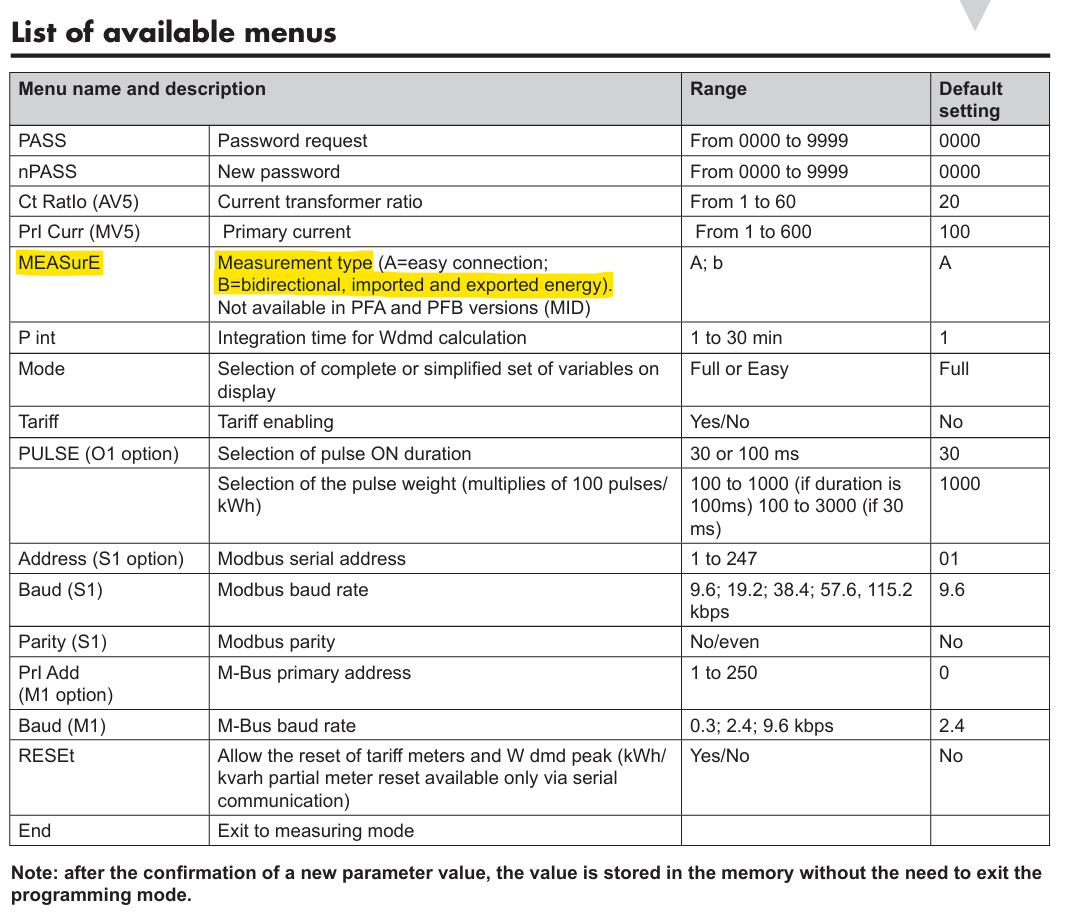
Stellen Sie sicher, dass der Carlo Gavazzi-Zähler so eingestellt ist, dass sowohl Bezugs- als auch Einspeiseleistung erfasst werden. Ein ungeeigneter Modus kann zu Folgendem führen:
- Fehlende Messwerte für die Einspeisung oder
- Die Einspeisung wird als Verbrauch gezählt (zusätzlich zum „tatsächlichen Verbrauch“).
Sie können dies im Konfigurationsmenü „MEASurE“ des Energiezählers einstellen. Dieser sollte auf „b“ gesetzt werden.
Warnung
Warnung
Diese Einstellung ist bei MID-zertifizierten Modellen (Modellnummern mit den Endungen PFA und PFB) möglicherweise nicht vorhanden.
Warnung
NOTE: RS485 Device Addresses
- You MUST give each device on the RS485 bus a unique address. Check the manual of the device on how to do this.
- Use lower addresses first (1, 2, ...) because the a-TroniX Controller will find them faster!
- For each device, it is generally recommended to stick with the factory default baud rate, parity, and stop bits. The a-TroniX Controller will scan on those first.
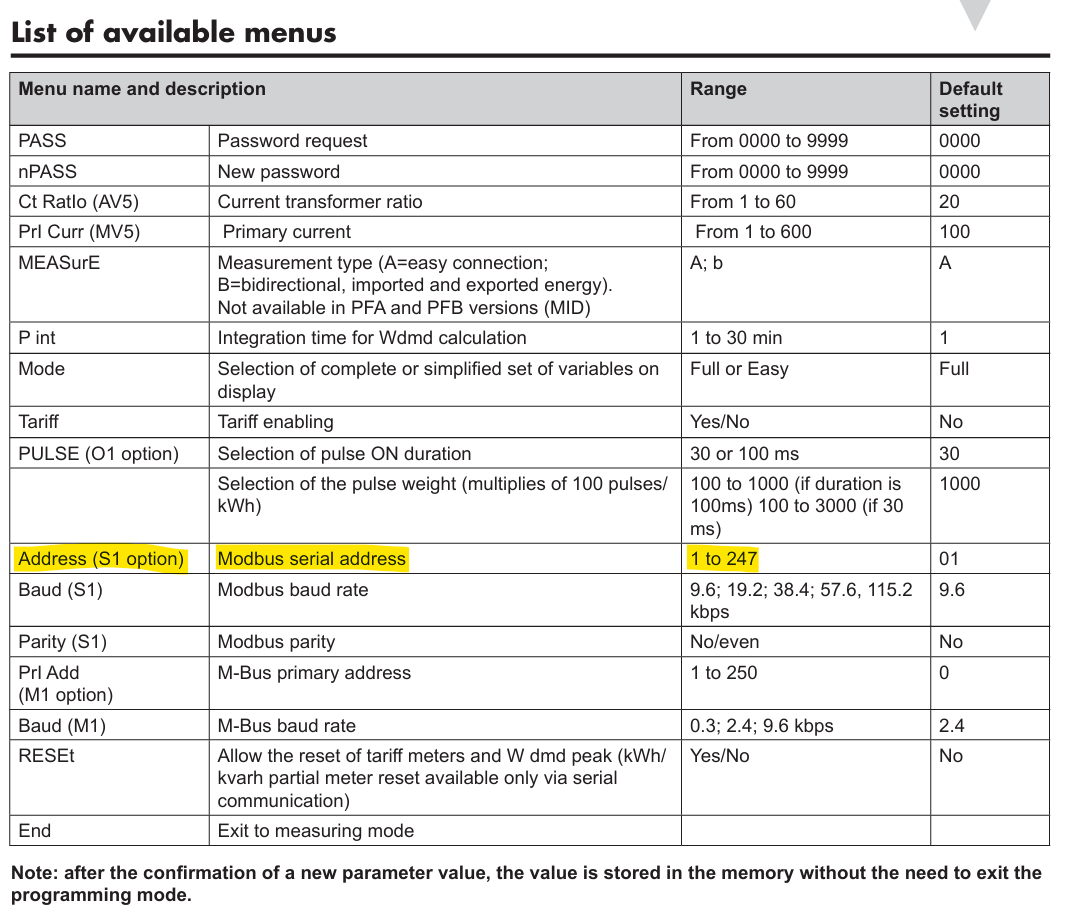
Stellen Sie die Modbus-Adresse über das Konfigurationsmenü „Address“ des Energiezählers ein.
Last updated December 10, 2025Edit this page