a-TroniX logo
a-TroniX logo
Accessories
AppCertificates
Configuration from A to Z
Control response timeController
Customer Specific
Devices
Boiler
Cloud
Energy Meter
Ev Charging Station
Gas Meter
Heat Pump
New integrations
Plc
Pv Hybrid And Battery Inverters
a-TroniXABB, FIMERADS-TecAforeAlphaESSAlpvoltAmpowrAngileAnklous PV, Hybrid and Battery InvertersAPsystemsAteps Battery
Autarco
BattlinkBeauventC-BatteryCellpowerChisageDanfossDeltaDET Power PV, Hybrid and Battery InvertersDEYEDiehl-AkoDMEGC InvertersDynessDysun EnergyEcosourcenEenovanceElecnovaEnbrilionEnergreenEnerlutionEnjoyPowersEnphaseEP EquipmentESY InvertersEVEFairlandFortona
Foxess
FraxFroniusGoodWeGotionGreener / Alfen
Growatt
HiteHithium
Huawei
Hypontech
Hyxipower
iWellJinkoKacoKehuaKostal
Kstar
KSTAR BluE-S Series (Gen 1)KSTAR BlueSpark Series (Gen 2)KSTAR C&I Hybrid InvertersKSTAR KSG Inverters
LibattionMarstekMastervoltMidTeQMotomaOctave EnergyOmniPowerPixiiPower-SonicPoweroadPylontechRCT PowerRefurbRegitecRenonRitarSAJSchneider SunEzySchucoSCUSE2200H till SE6000HSessySigenergySinexcel
Sma
Socomec
Sofar
Solaredge
SolarlogSolarMaxSolarwattSolaxSolinteg
Solis
Solplanet
Sungrow
SunsynkSunwaytechSunwoda
Sunwoda
Sus-PowerTeclomanTeploreTesvoltVaconVictronVolstoraWattsNextWeihengXantrexZendure SolarFlowZetaraZeversolar
Switched Loads
Water Meter
External Signals
InstallationLicenseNetworkQuick StartSafety, maintenance and legal noticesSpecificationsStatus LEDs
Troubleshooting
Wiring & connectivity guidelines
DevicesPv Hybrid And Battery InvertersKstar
logo

KSTAR C&I Hybrid Inverters

Supported Devices

Device TypeVariantsModbus TCP (Ethernet)RS485CurtailmentMinimum device firmware version
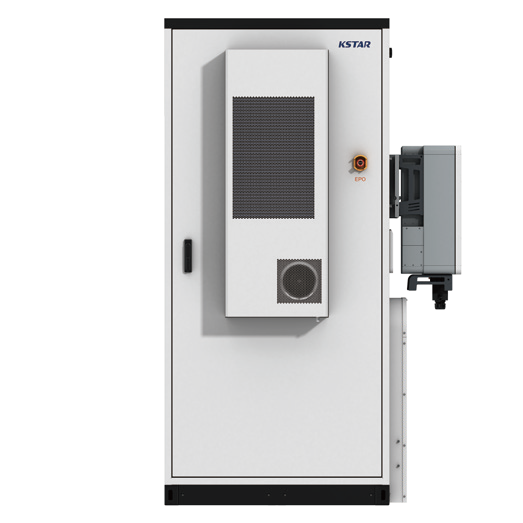
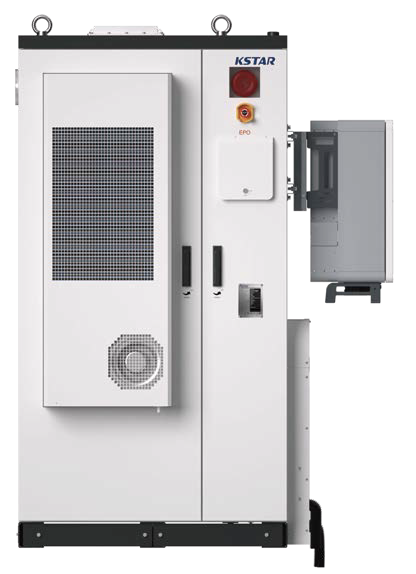
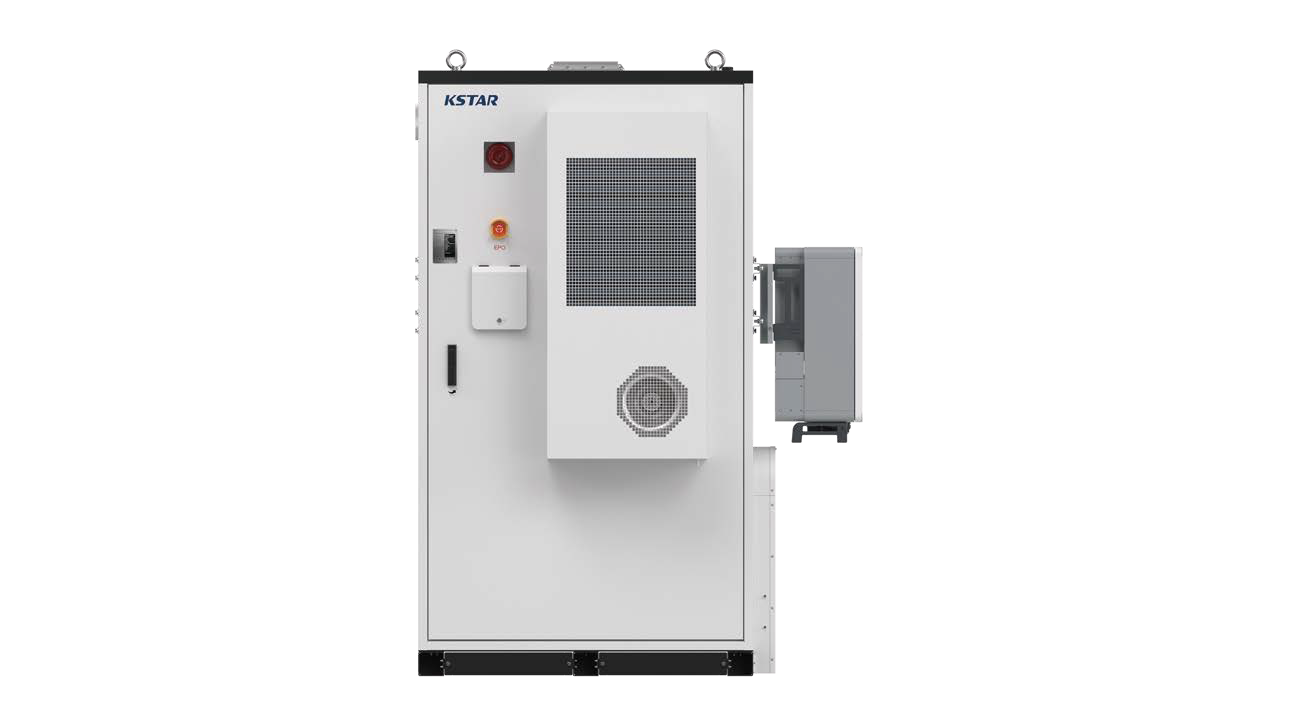
BluePulse Hybrid InverterKAC50DP-BC100DE✅✅✅V000B060D000
KAC50DP-BC107DE / KAC50DP-BC107DE2
KAC50DP-BC197DE / KAC50DP-BC197DE2
BC100DE battery cabinet
BC70DE2/BC89DE2/BC107DE2 battery cabinet
BC197DE2/BC215DE2/BC233DE2 battery cabinet

Wiring

The a-TroniX Controller and the KSTAR inverters communicate via Ethernet or RS485.

Ethernet
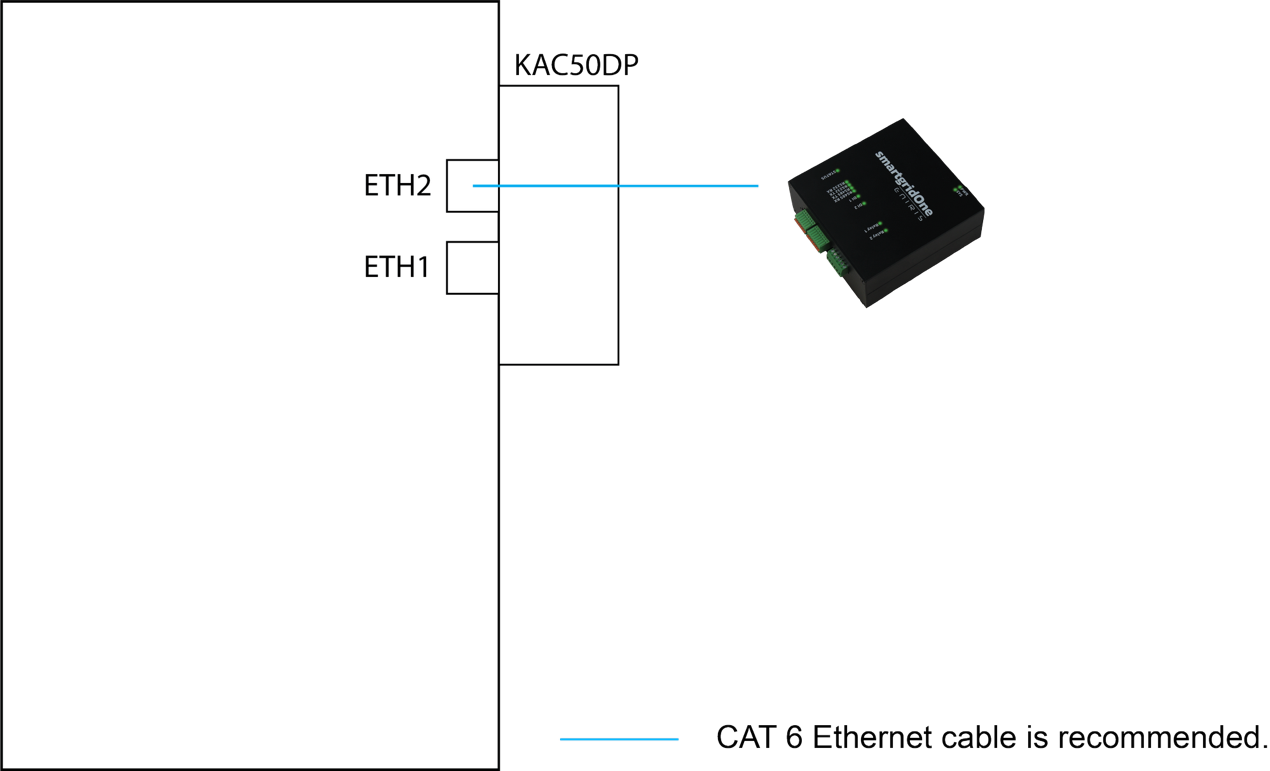
TCP connection diagram

For correct ethernet wiring: Follow the the guidelines for ethernet wiring.

RS485
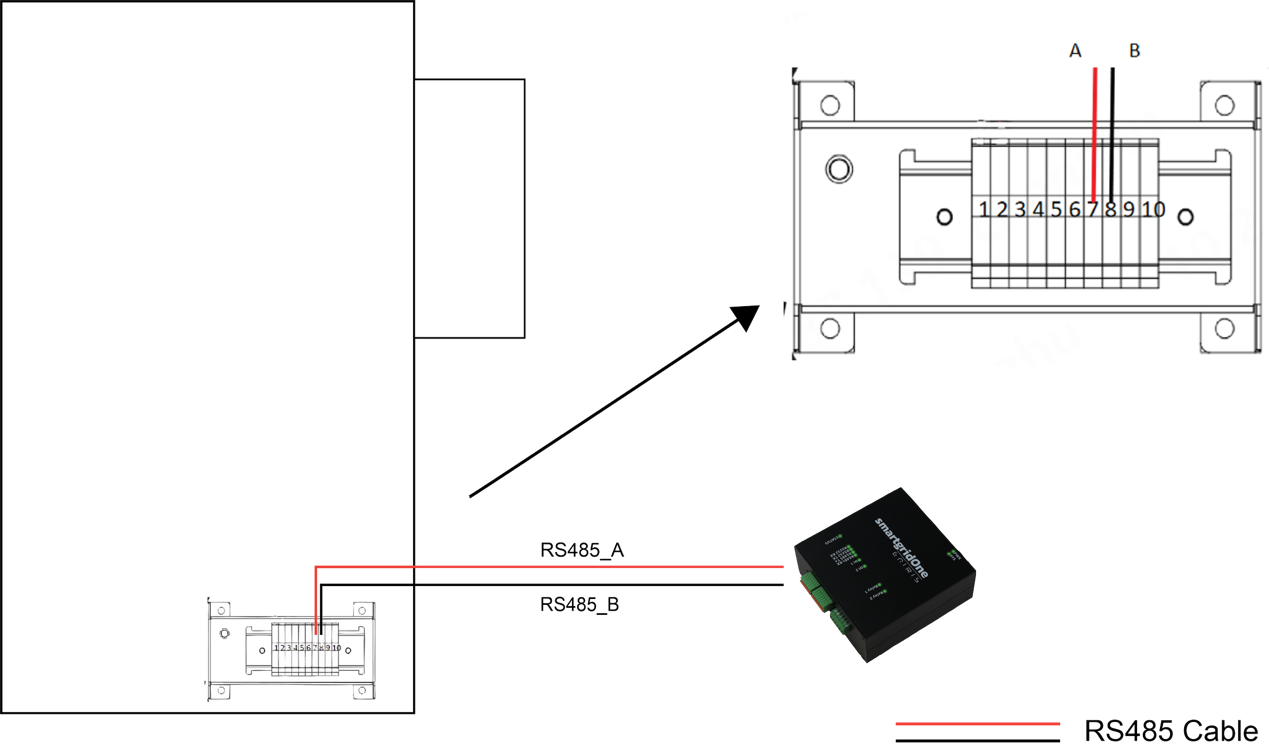
RS485 connection diagram

Configuration

Warning
NOTE: RS485 Device Addresses
  • You MUST give each device on the RS485 bus a unique address. Check the manual of the device on how to do this.
  • Use lower addresses first (1, 2, ...) because the a-TroniX Controller will find them faster!
  • For each device, it is generally recommended to stick with the factory default baud rate, parity, and stop bits. The a-TroniX Controller will scan on those first.
Last updated December 11, 2025Edit this page

KSTAR BlueSpark Series (Gen 2)

Previous Page

KSTAR KSG Inverters

Next Page

On this page

KSTAR C&I Hybrid InvertersSupported DevicesWiringEthernetRS485Configuration