

الأجهزة المدعومة
| Device Type | Modbus TCP (Ethernet) | RS485 | Curtailment |
|---|---|---|---|
| MIC 600TL-X | ❌ | ✅ | |
| MIC 750TL-X | ✅ | ||
| MIC 1000TL-X | |||
| MIC 1500TL-X | |||
| MIC 2000TL-X | |||
| MIC 2500TL-X | |||
| MIC 3000TL-X | |||
| MIC 3300TL-X |
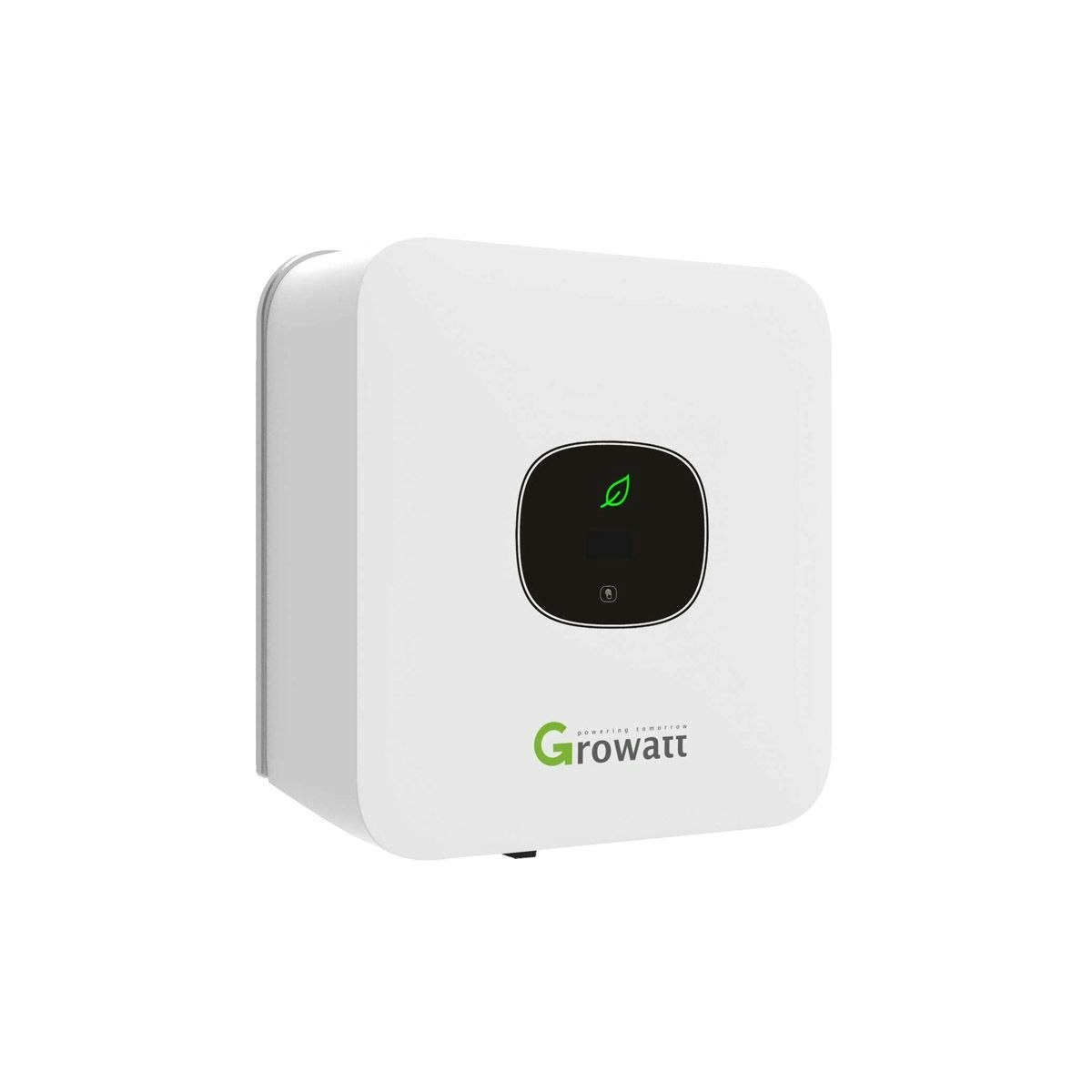
التوصيلات الكهربائية
RS485
معلومات
RS485 Wiring
- For correct RS485 wiring: Follow the guidelines for RS485 wiring.
- If the wiring shown in the table below is incorrect, please let us know.
- There is no general consensus in the industry about the usage of A and B for the RS485 polarity, so it may be counterintuitive and opposite of what you might expect for some devices.
| Device | a-TroniX Controller model OM1 | a-TroniX Controller model IG8 | RS485-USB converter | RS485-Ethernet converter |
|---|---|---|---|---|
| RS485 A1 | RS485 A | RS485_POS | RS485 A | TX+ |
| RS485 B1 | RS485 B | RS485_NEG | RS485 B | TX- |
| N/A | RS GND | GND | Not available | G |
الإعدادات
تحذير
NOTE: RS485 Device Addresses
- You MUST give each device on the RS485 bus a unique address. Check the manual of the device on how to do this.
- Use lower addresses first (1, 2, ...) because the a-TroniX Controller will find them faster!
- For each device, it is generally recommended to stick with the factory default baud rate, parity, and stop bits. The a-TroniX Controller will scan on those first.
افتراضيًا، يتم تعيين العنوان الخاص بالعواكس إلى 1. يمكن تغيير ذلك من خلال قائمة الإعدادات الخاصة بالعواكس. هذا ضروري فقط إذا كان هناك عدة أجهزة متصلة بحافلة الاتصال RS485.
يمكنك تغيير عنوان العاكس من خلال لوحة التحكم اللمسية. الطريقة كما يلي:
| لوحة التحكم اللمسية | التأثير |
|---|---|
| لمسة واحدة | تغيير العرض أو زيادة الرقم بمقدار 1 |
| لمستان | إدخال أو تأكيد |
| ثلاث لمسات | القائمة السابقة |
| لمس مستمر لمدة 5 ثوانٍ |
|
غير العنوان بالذهاب إلى قائمة "Set Comaddr" كما هو موضح في الصورة على اليسار أو الأعلى. قم بتعيين العنوان لقيمة فريدة. راجع الفصل 7 من دليل العاكس للمزيد من المعلومات.