
External Monitoring API
Goal
For integrators requiring real-time visibility, polling our Telemetry API introduces delays and introduces overhead both on the end of the integrator and on the end of a-TroniX. To solve this, the controller can be configured to send telemetry to a designated endpoint which is provided by the integrator. This 'webhook mechanism' enables live data streams with near-zero latency, bypassing the limitations of traditional API polling.
First-time Configuration (Starting point for new users)
1. Check your network
Ensure that your a-TroniX Controller has an active network connection.
2. Add your devices
Login to the commissioning interface and make sure the devices are added to the a-TroniX Controller.
3. Configure the webhook via 'external data sources'
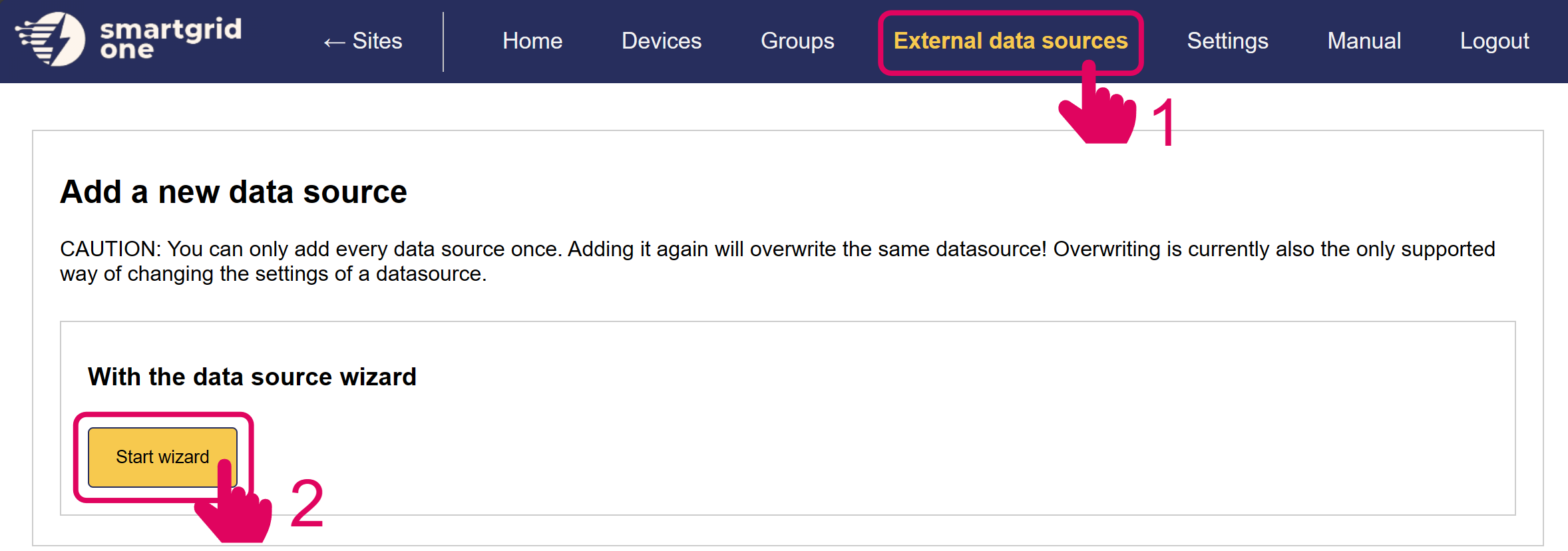
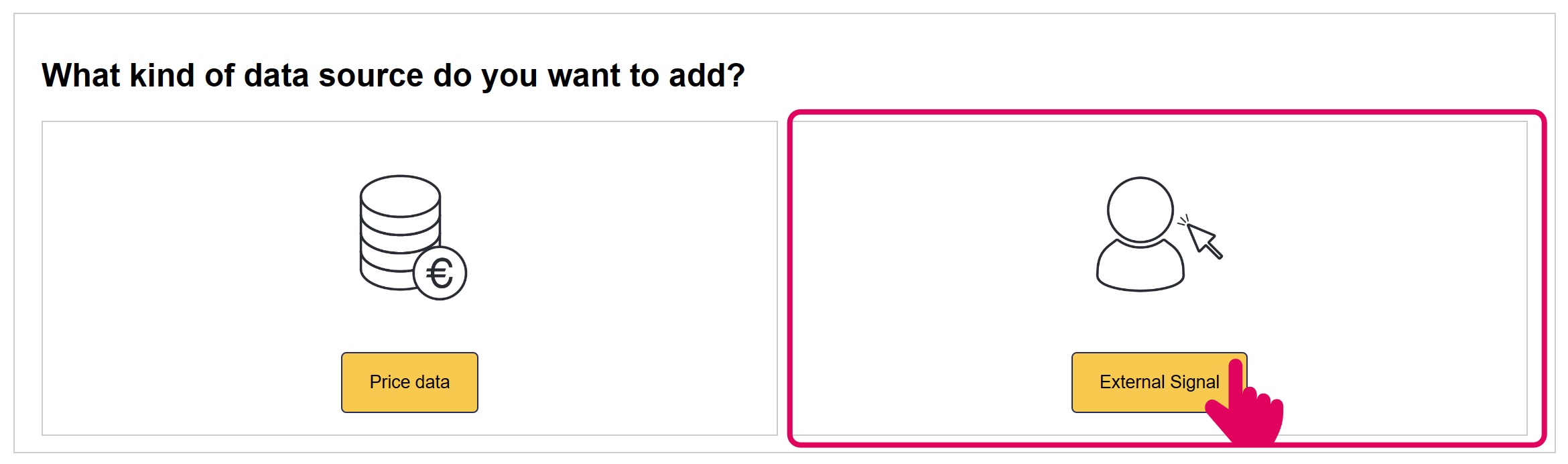
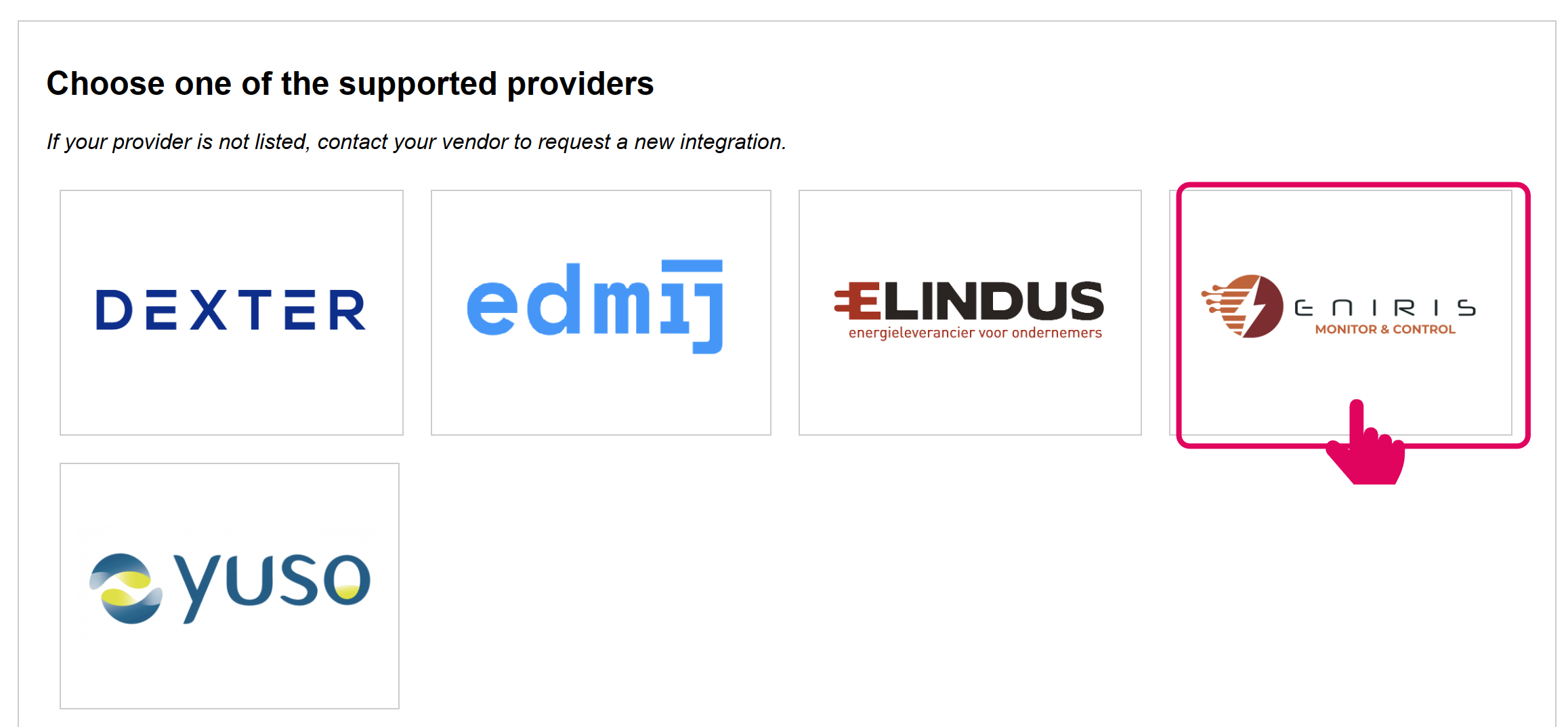
4. Enter the parameters
-
The URL and endpoint of the API
-
The bearer authorization token used for the API request. To prevent a compromised controller from being used to falsify data from other devices, we strongly recommend using unique tokens per controller and binding each token to a specific location in your implementation.
-
The frequency at which data is pushed (in seconds, default is 60s)
-
Select which data should be pushed:
- Device level data contains all the data fields specified below, per individual node connected to the a-TroniX Controller.
- Device type level contains aggregated data on device type level (e.g. solar, storage, fixed)
After, select to include all devices.
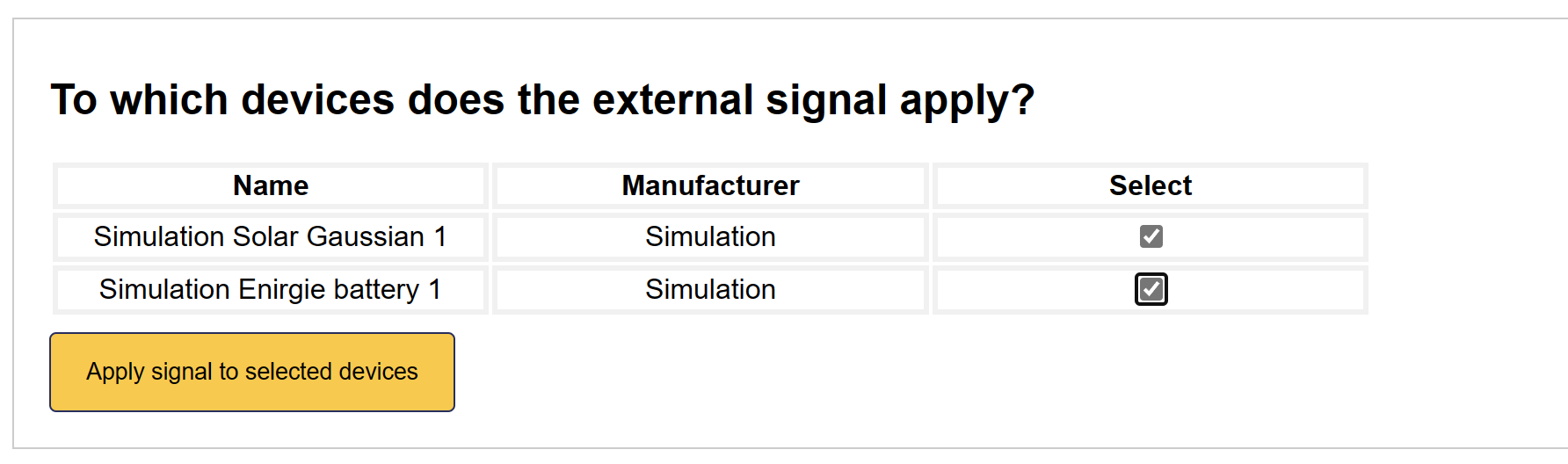
Endpoint Data
The endpoint should accept a HTTP POST request with the following data:
If the device type level has been selected:
{
    "time": "<Unix Timestamp>",
    "siteNodeId": "<Site NodeID>",
    "grid": "<Grid Fields>",
    "solar": "<Solar Fields>",
    "storage": "<Storage Fields>",
    "heat_pump": "<Heat Pump Fields>",
    "switched_load": "<Switched Load Fields>",
    "variable_power_load": "<Variable Power Load Fields>",
}
If the device level has been selected:
{
    "time": "<Unix Timestamp>",
    "siteNodeId": "<Site NodeID>",
    "nodeId1": "<Node Fields>",
    "nodeId2": "<Node Fields>",
    ...
}
More information about the individual fields can be found here: Feedback Payload Structure.